


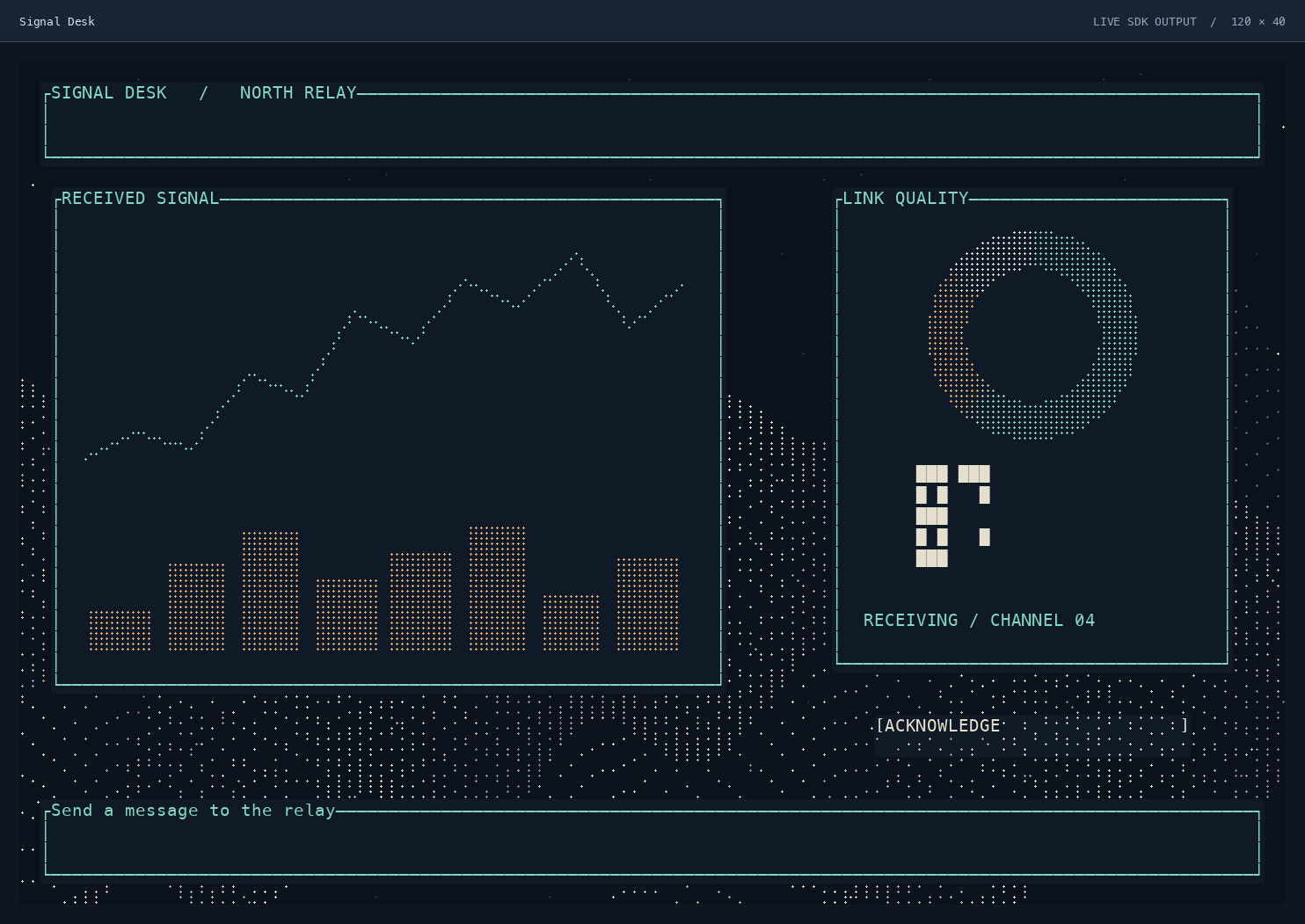
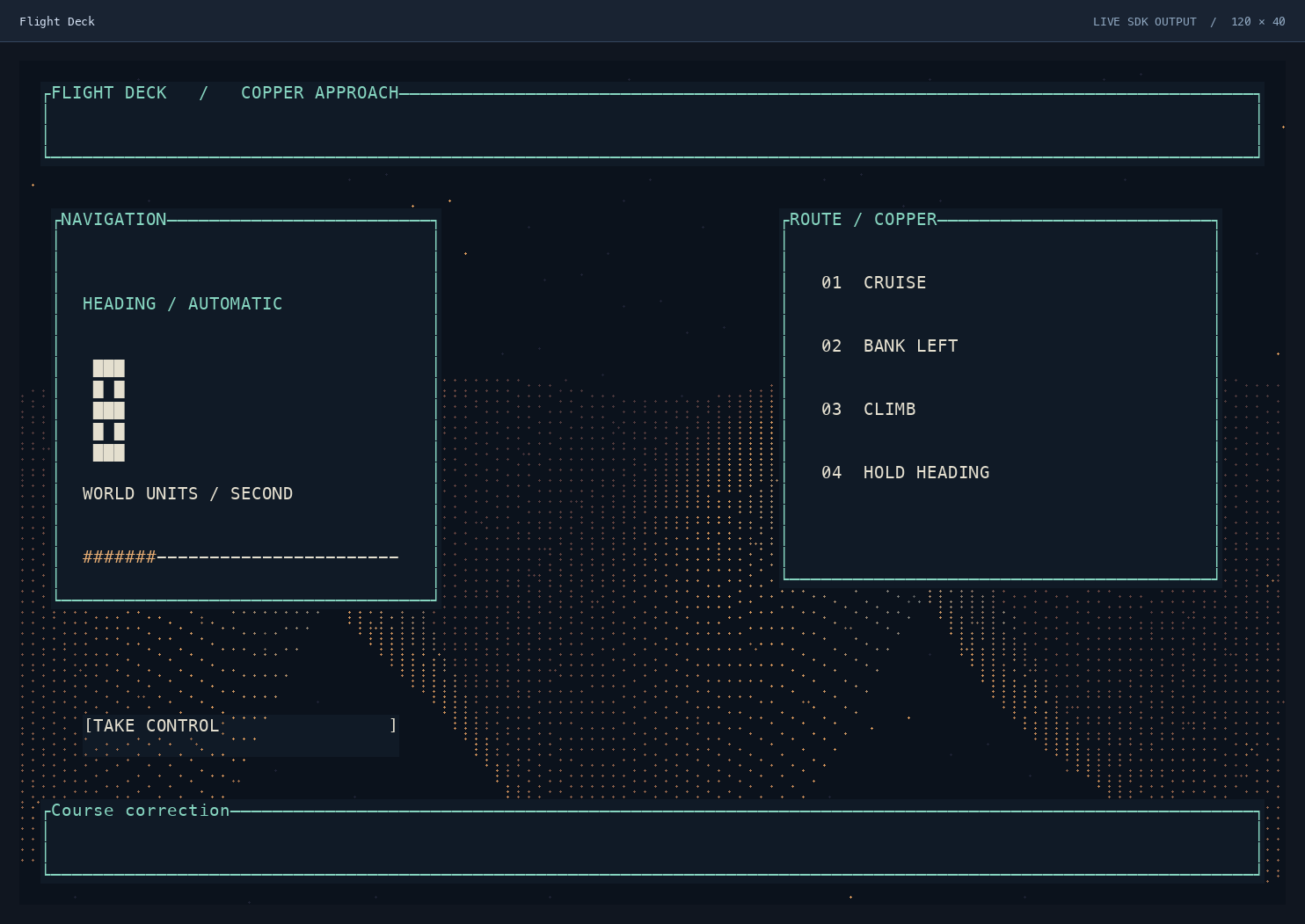
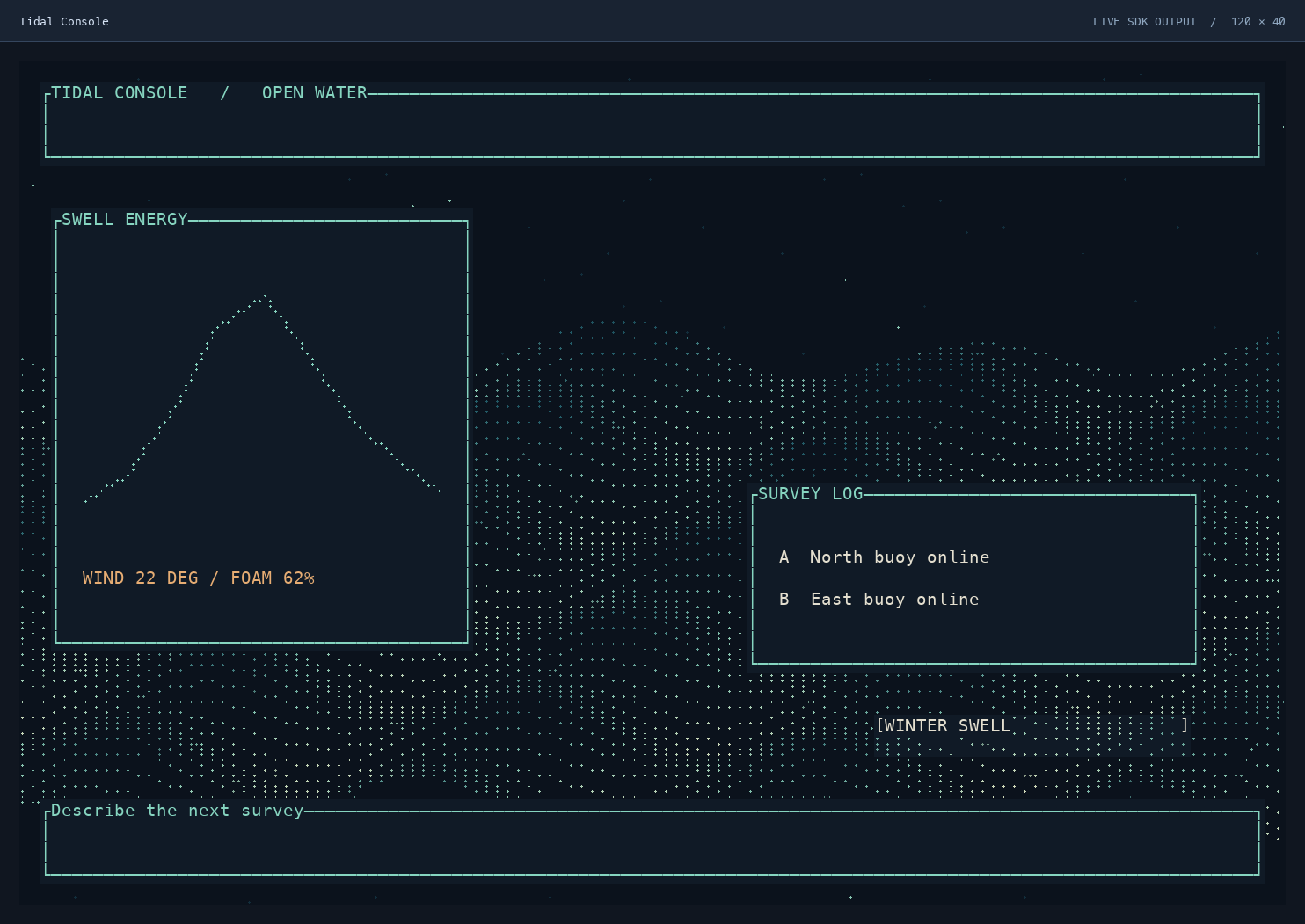
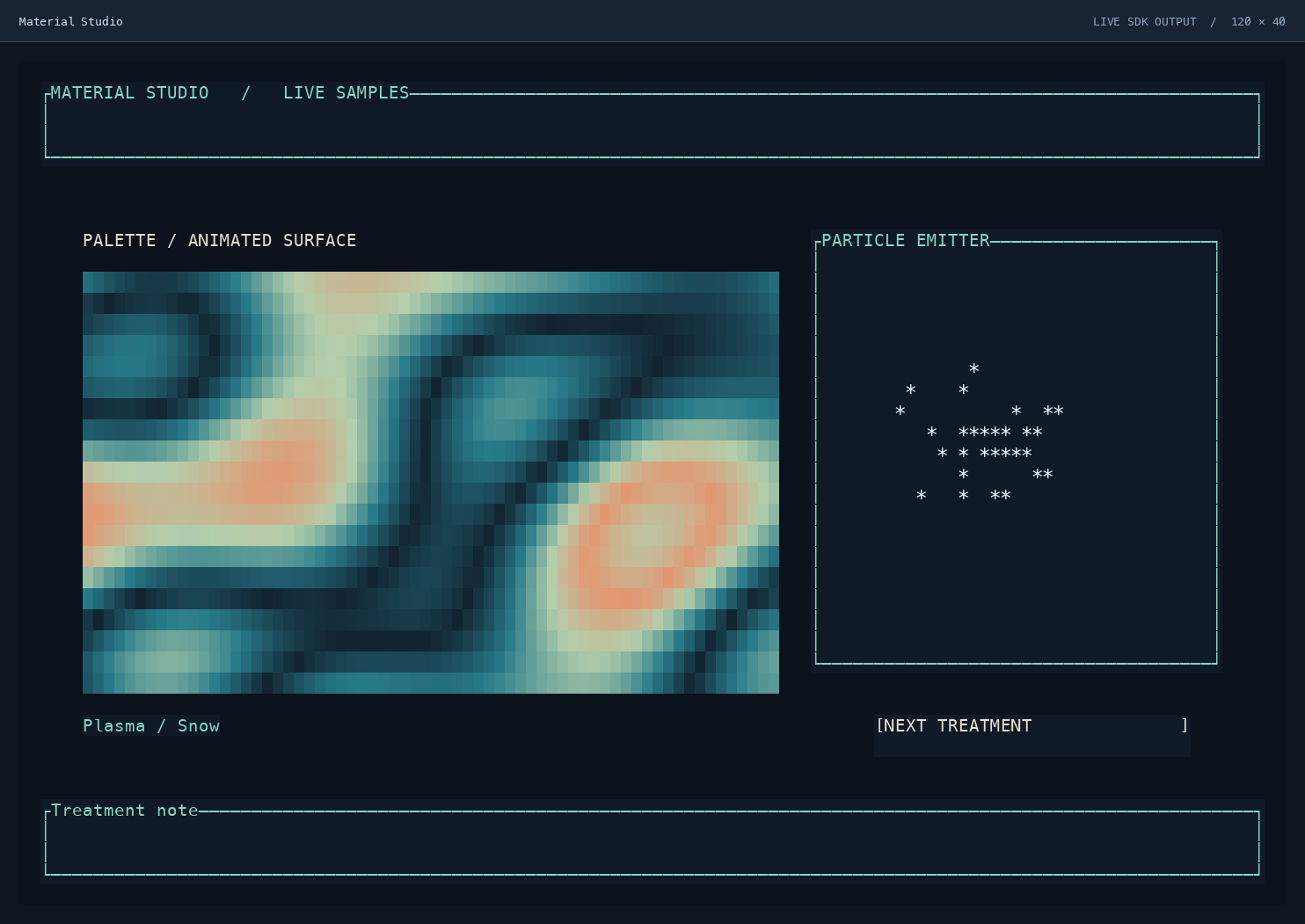


Components and capabilities
The four downloadable examples use an application-owned layout with Nocturne panels, plots, controls and an editor. The scenery uses a Braille canvas, palette sampling and water-wave functions. Material Studio mounts a particle emitter and uses the text-effect painter for its animated title.
Field Log combines an editor, a selectable list and a scrolling guide. The editor handles Unicode grapheme boundaries, so moving the caret or deleting a character can treat several code points as one visible character. The layout responds to terminal resizes and keeps keyboard focus visible in monochrome.
Model Bench uses the optional spatial library to project a textured mesh onto character cells. The host can ask which object and face occupy a clicked cell. Other optional libraries provide graph layout, surface simulation and fluid simulation.
C and C++ applications consume the installed headers and CMake targets. Rust, Python and Go use the native library. The TypeScript package includes a WebAssembly module. The binding guide includes a runnable example for each language.
Install the SDK and run Motion
On macOS or Linux, start with Git, a C99 compiler and CMake 3.20 or newer. These commands build the SDK, run its tests, install it inside the checkout and start the six-second Motion example. To print a single frame instead, run ./build/nocturne_motion 750.
git clone https://github.com/arf-io/nocturne-sdk.git
cd nocturne-sdk
cmake -S . -B build -DCMAKE_BUILD_TYPE=Release
cmake --build build --parallel
ctest --test-dir build --output-on-failure
cmake --install build --prefix "$PWD/nocturne-install"
./build/nocturne_motion --animate
Try Field Log
From the same checkout, build Field Log against the SDK you just installed. Type a note and press Enter to save it for the current session. Tab moves between the draft, Save button, saved notes and guide. Ctrl+Q closes the app and restores your terminal.
cmake -S examples/field-log -B build-field-log -DCMAKE_PREFIX_PATH="$PWD/nocturne-install"
cmake --build build-field-log
./build-field-log/field_log