


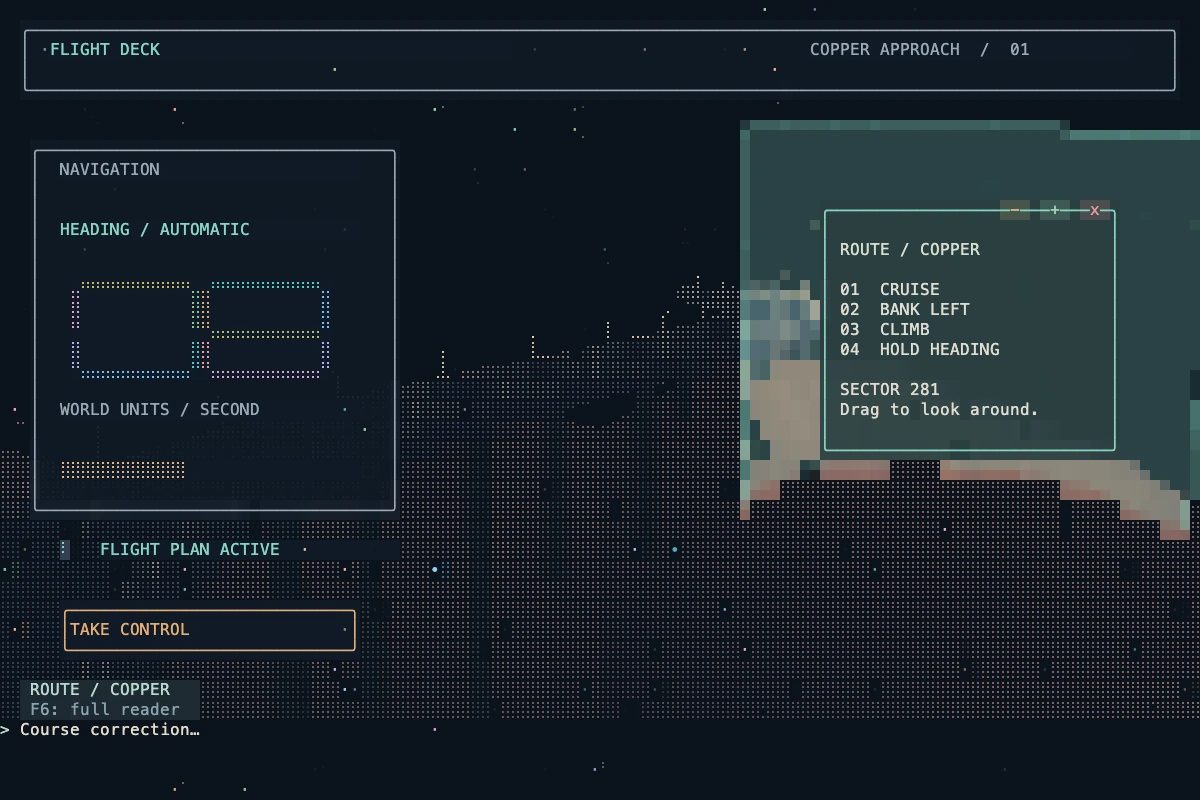
Keep the route selector in reach
Load Flight Deck in Gallery. The World layer holds the scene. The Interface layer carries the controls. Move a route choice and leave the scene where it is. Play the composition and choose a route while the scene moves. Check that the selector stays legible when the brightest part of the scene passes behind it.
Decide what taking control means
The button can present a choice and produce an activation event. Your application decides who receives it and what changes. In a fleet console the event could open a handover for the shift lead. In a simulator it could hand steering back to the keyboard.